Native on every platform
Made with each system's own tools on macOS, iOS and Windows, and kept up to date with its design guidelines, like the new glass in macOS 26 and iOS 26.
Native on macOS, iOS and Windows
Write in Markdown and see it formatted as you type. No account needed: your notes stay in your own cloud. Plus Kanban boards, AI chat and Hub messages.
macOS 12 or lateriOS 15 or laterWindows 10 or later
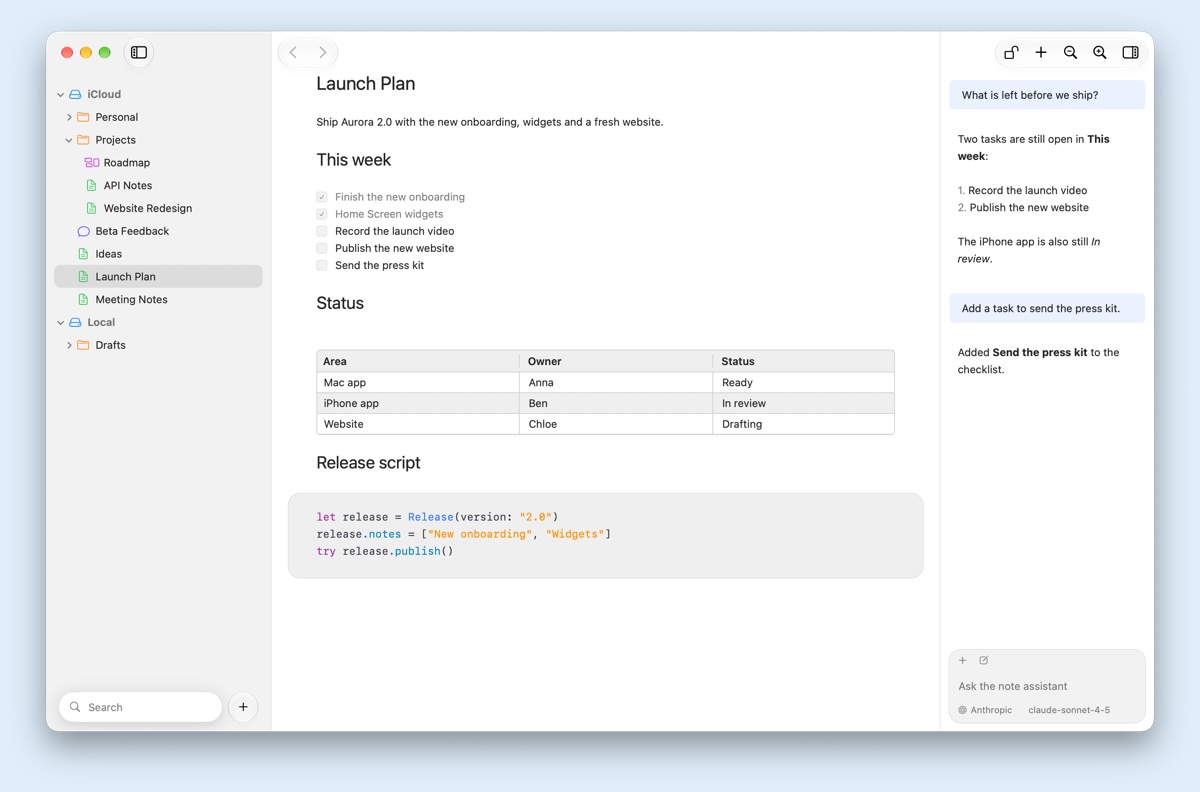
A fast, native editor for notes and to-do lists, in the theme you like, kept as plain Markdown files that belong to you.
Made with each system's own tools on macOS, iOS and Windows, and kept up to date with its design guidelines, like the new glass in macOS 26 and iOS 26.
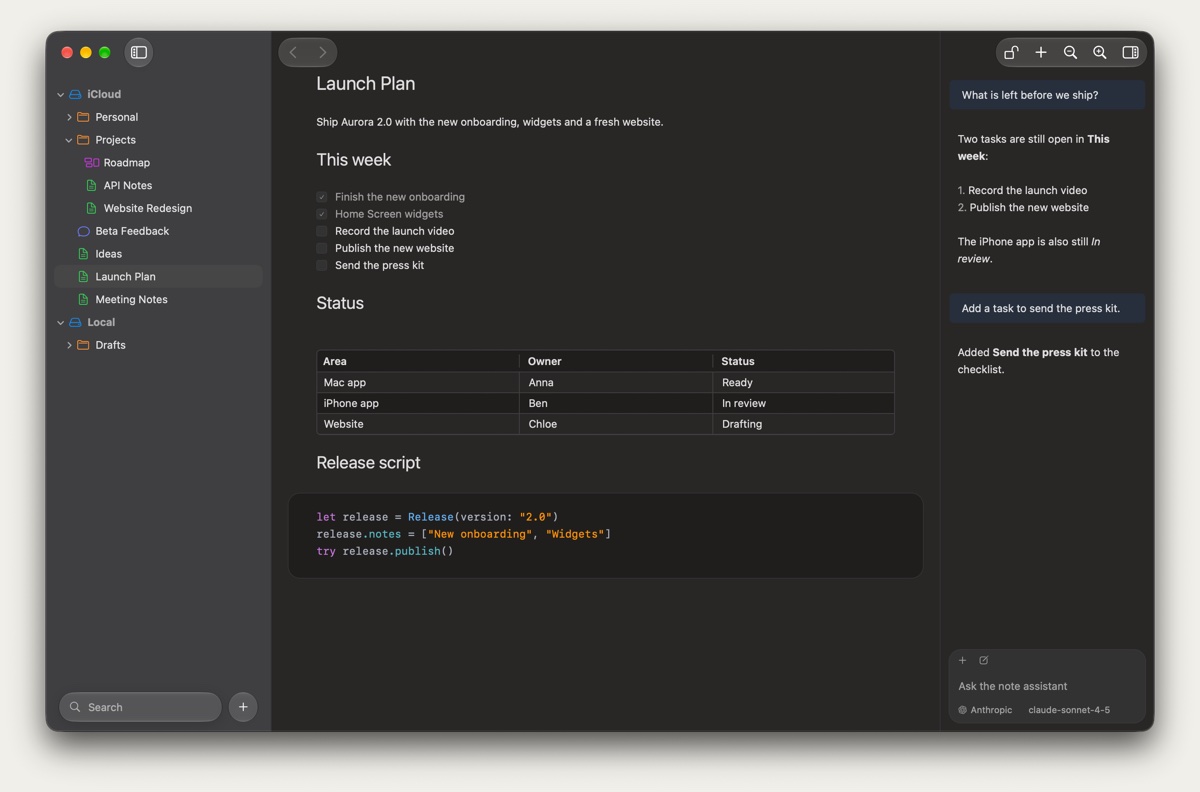
What you see is what you get. Type Markdown and watch headings, checklists, tables and code take shape. The file stays plain Markdown.
Keep your notes in iCloud Drive, Google Drive, Dropbox or any folder that syncs. Your cloud syncs them. There is nothing to sign up for.
Lock a note with a password and it is encrypted in its file. Unlock it with Touch ID or Face ID.
Markdown
There is no preview pane to keep open. NotePlus formats each line in place, and linking notes is as easy as typing two brackets and a name.
# Headings
- [ ] Checklists
| Tables
``` Code blocks
[[ ]] Linked notes
![] Images
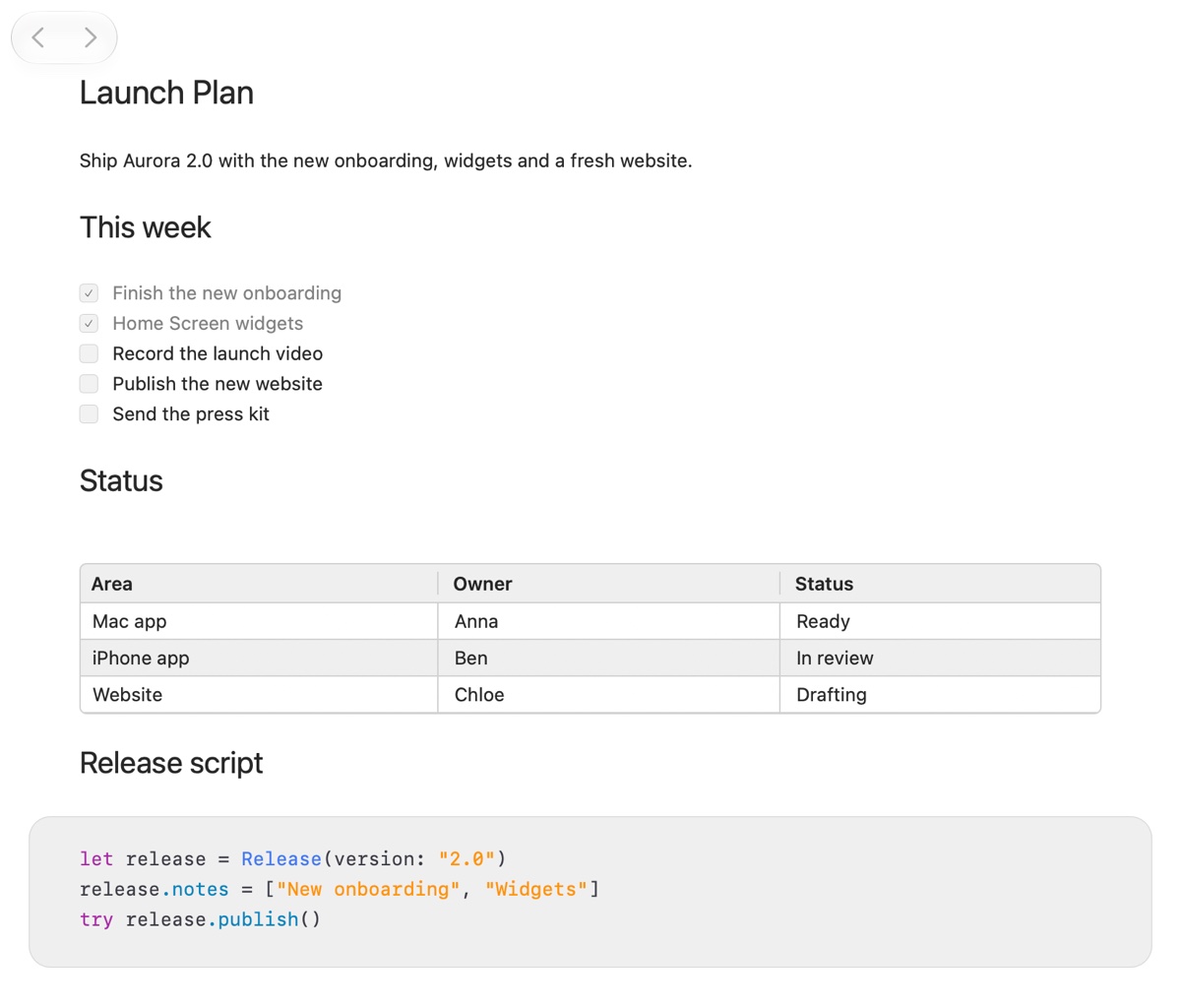
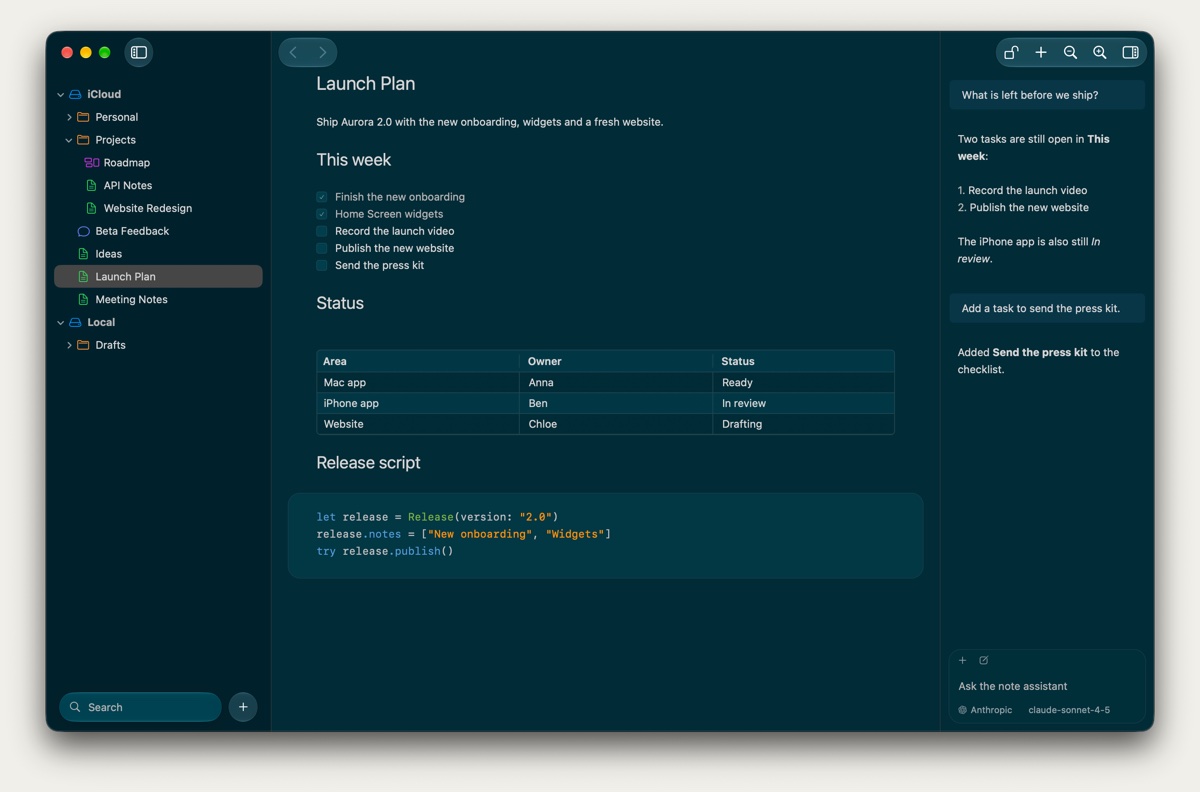
Themes
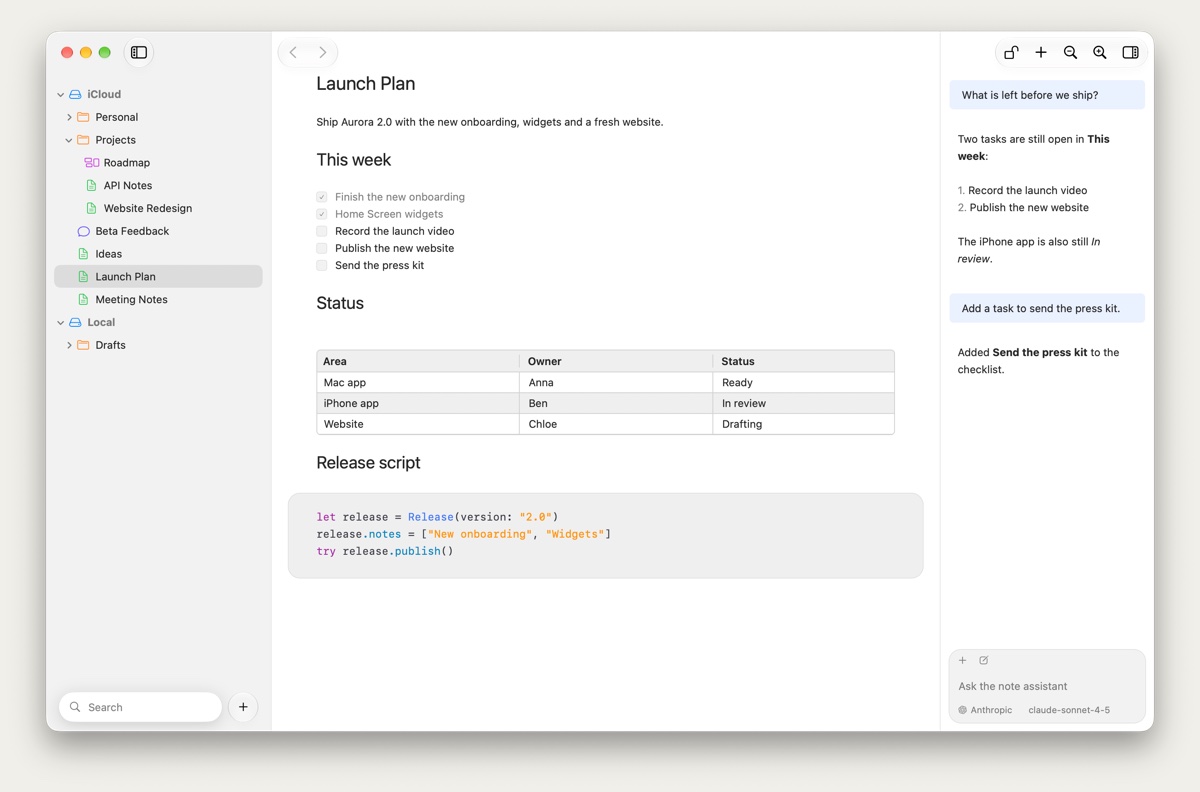
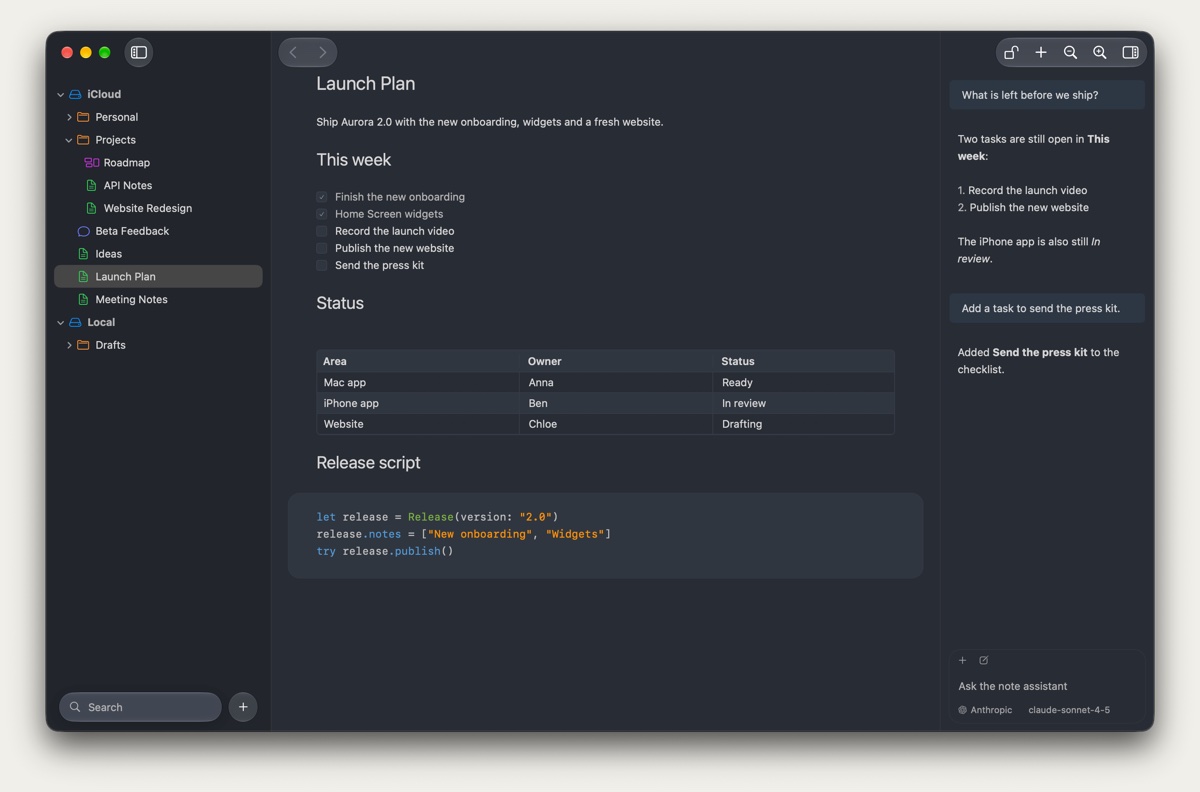
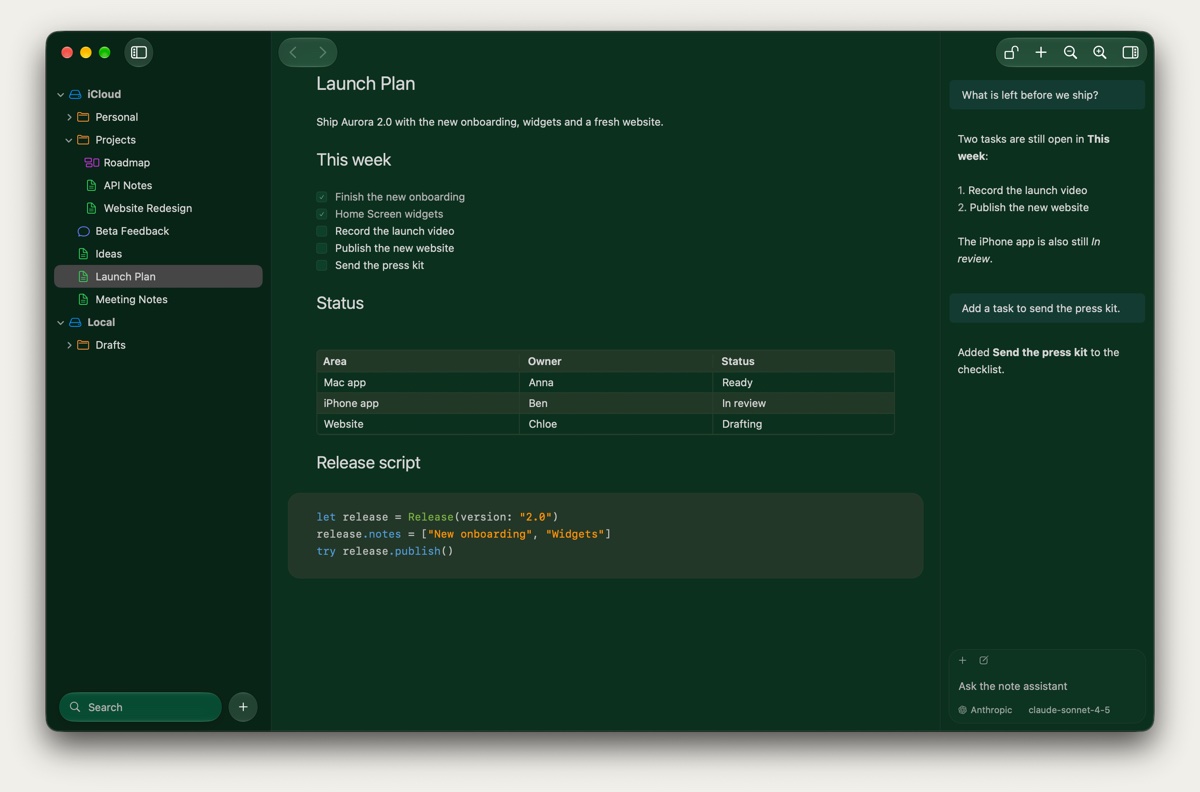
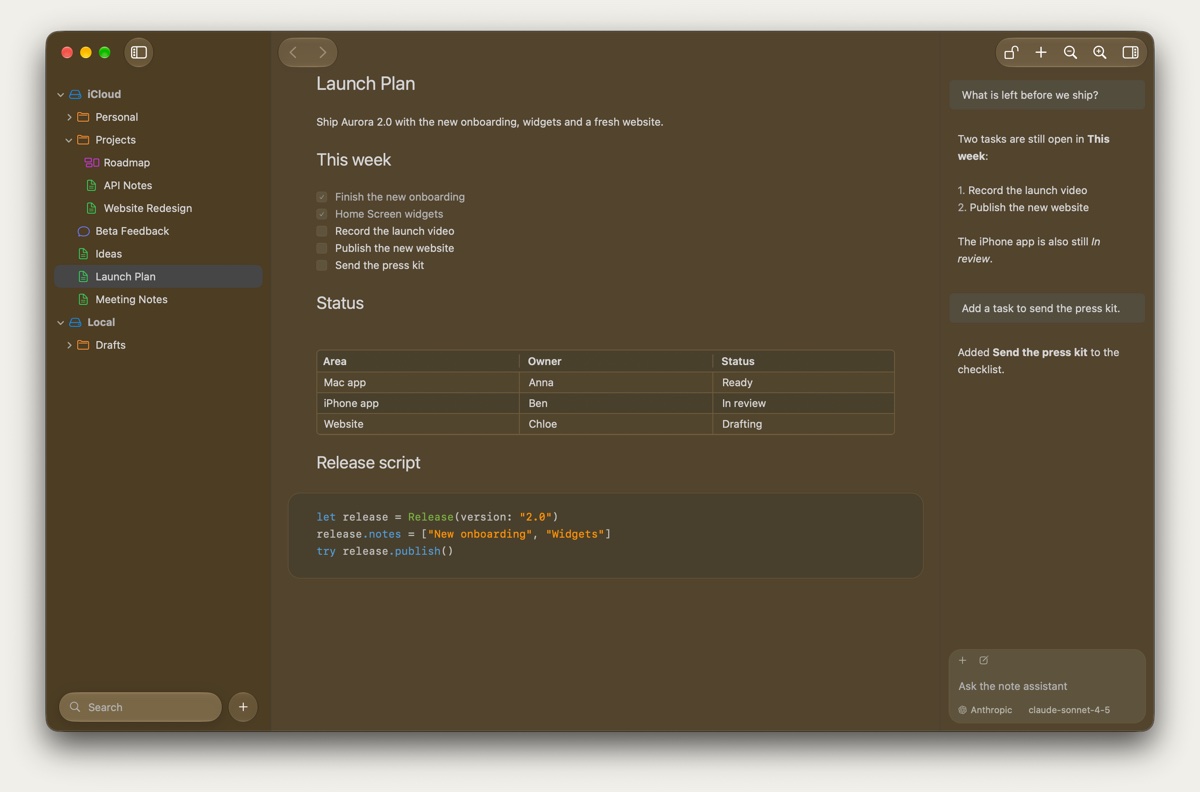
Pick Light, Dark or one of five more themes, from cool Silver to warm Sunset. Auto follows your system's appearance, and you can change any color of a theme to make it your own. On the Mac, iPhone and iPad.
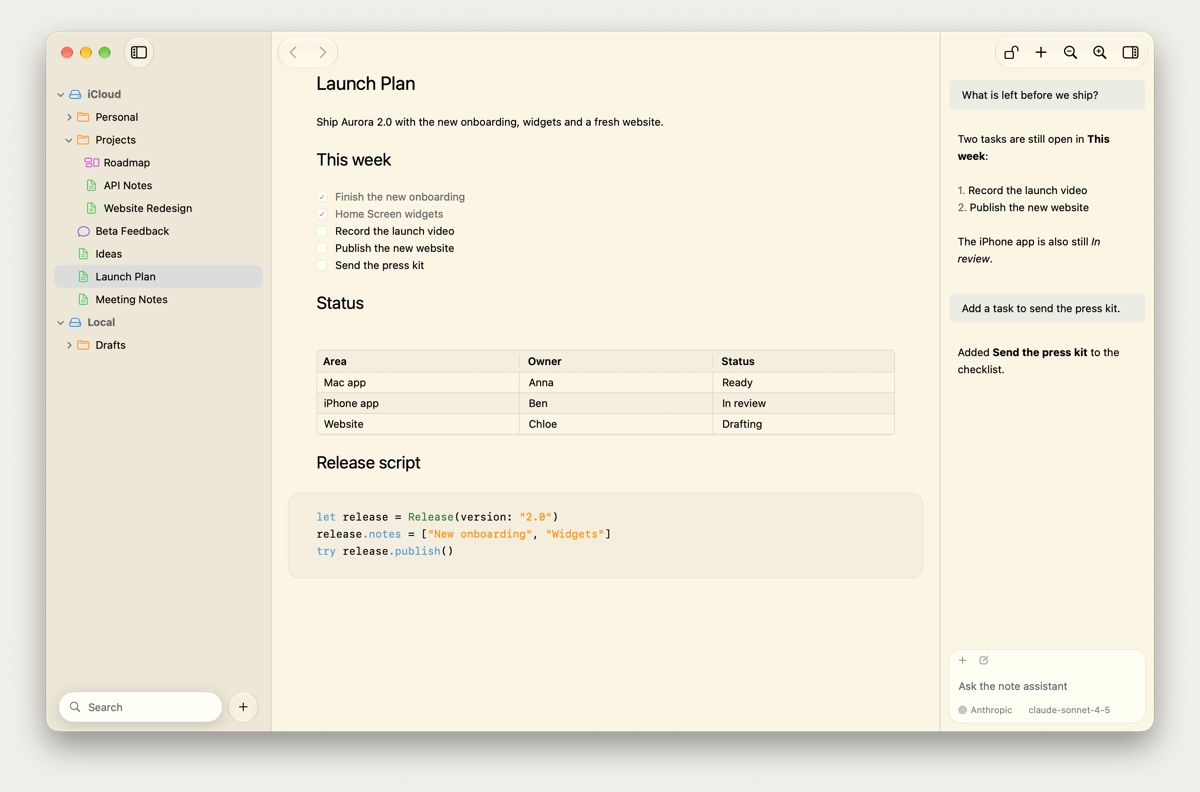
Secret notes
Turn any note into a secret note. It stays locked until you open it with Touch ID on your Mac, Face ID on your iPhone or its password, and on the Mac it locks again after a few minutes away.
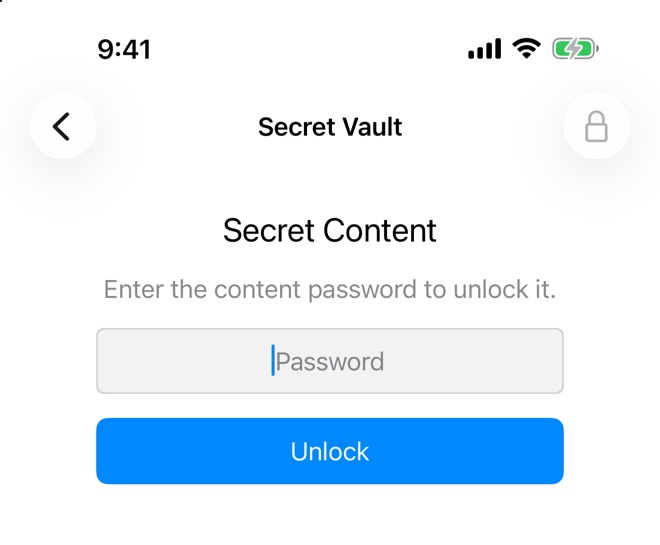
Plan your tasks and ask AI in the same app, with the same files.
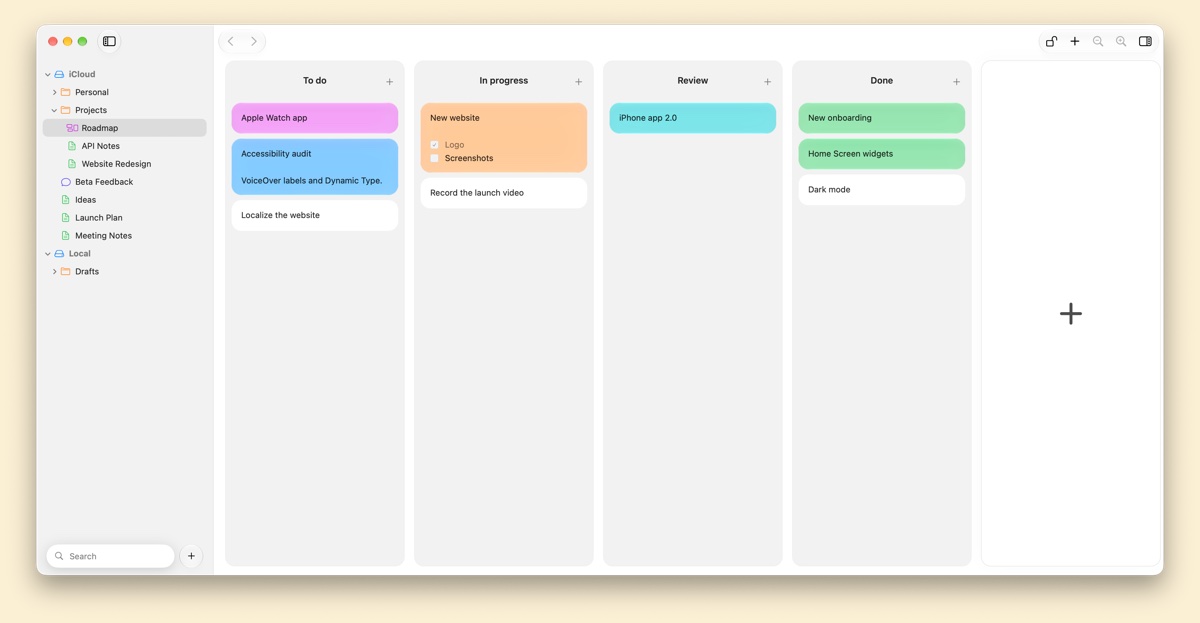
Task management, built in: columns, cards and colors, saved in the same folder as your notes. Drag a card when the work moves along.
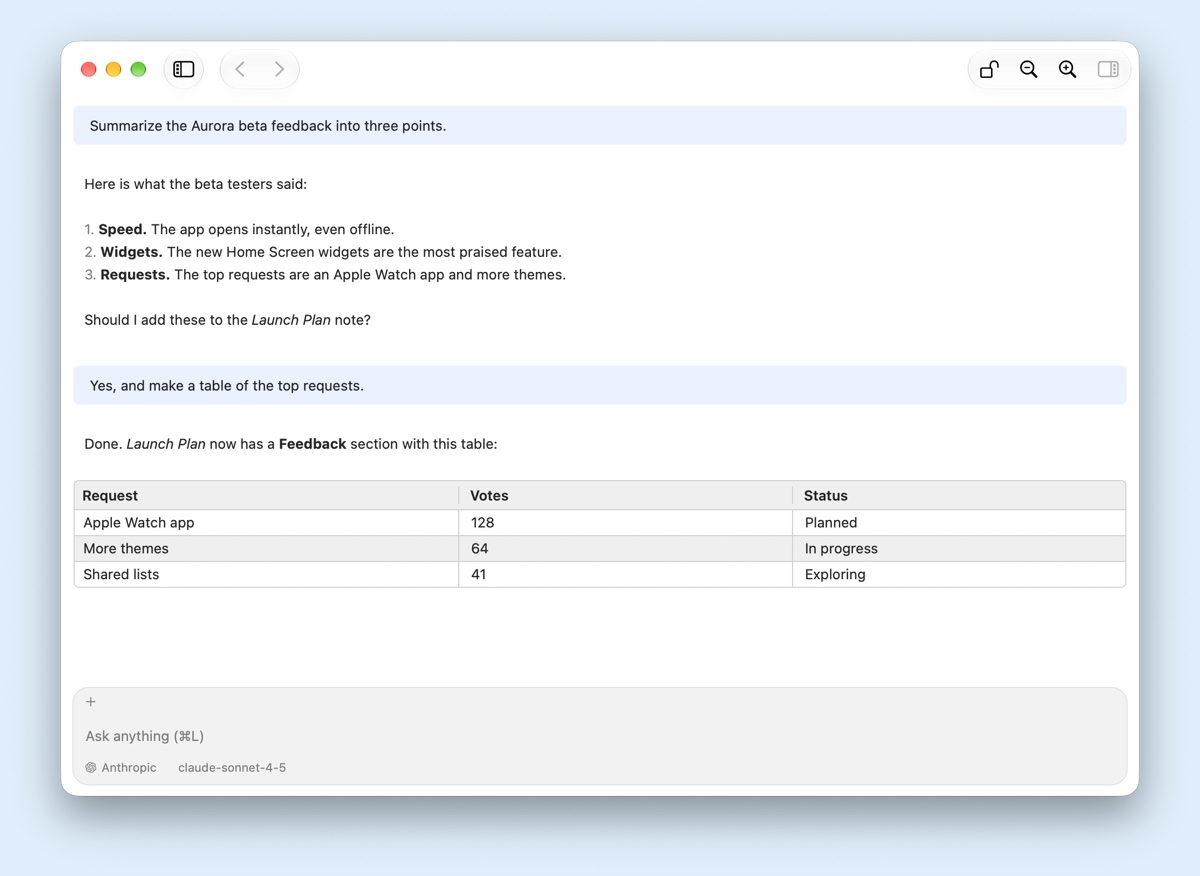
Chat with OpenAI, Anthropic, Gemini, DeepSeek, Ollama and more, using your own API key. Each chat is saved as a file next to your notes.
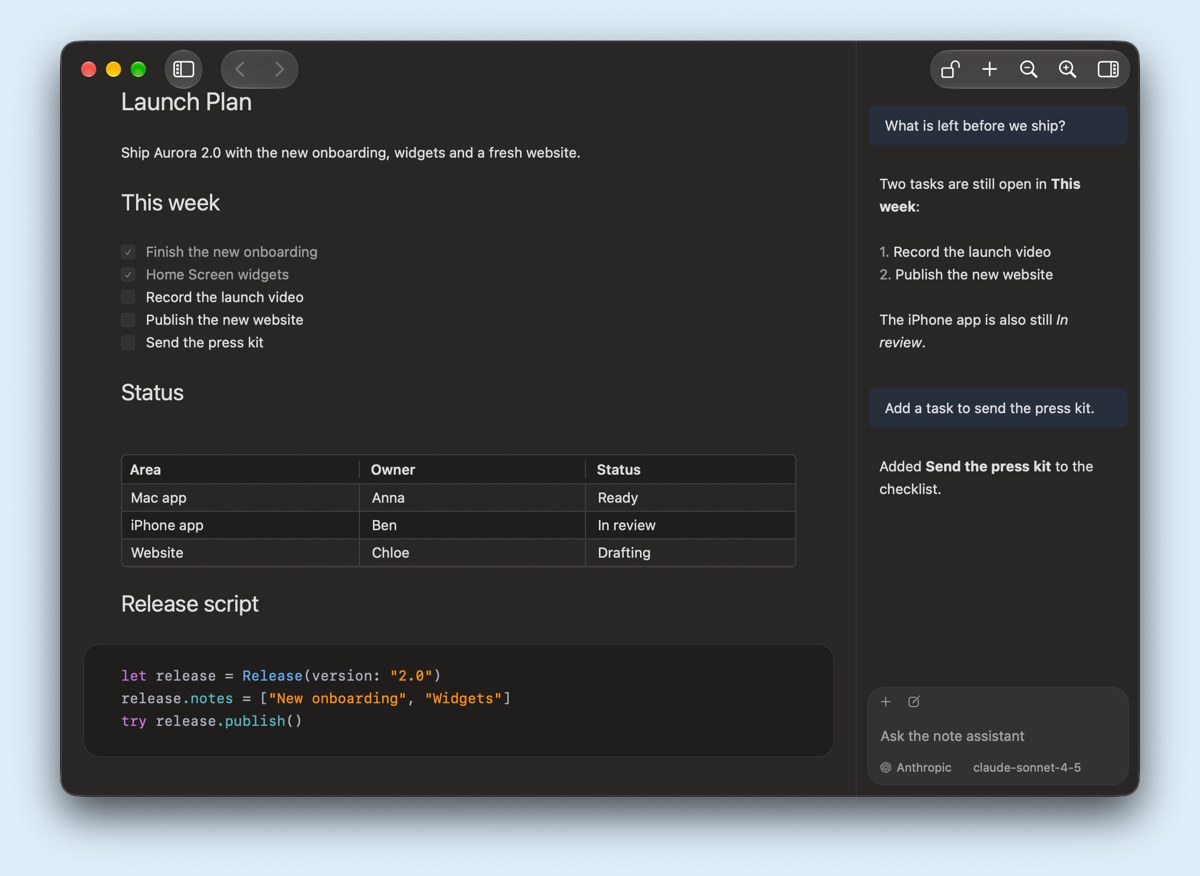
Open the sidebar chat beside a note and ask about it. The assistant can read and update your NotePlus items while you work.
We use NotePlus every day, and new tools arrive with regular updates.
iPhone and iPad
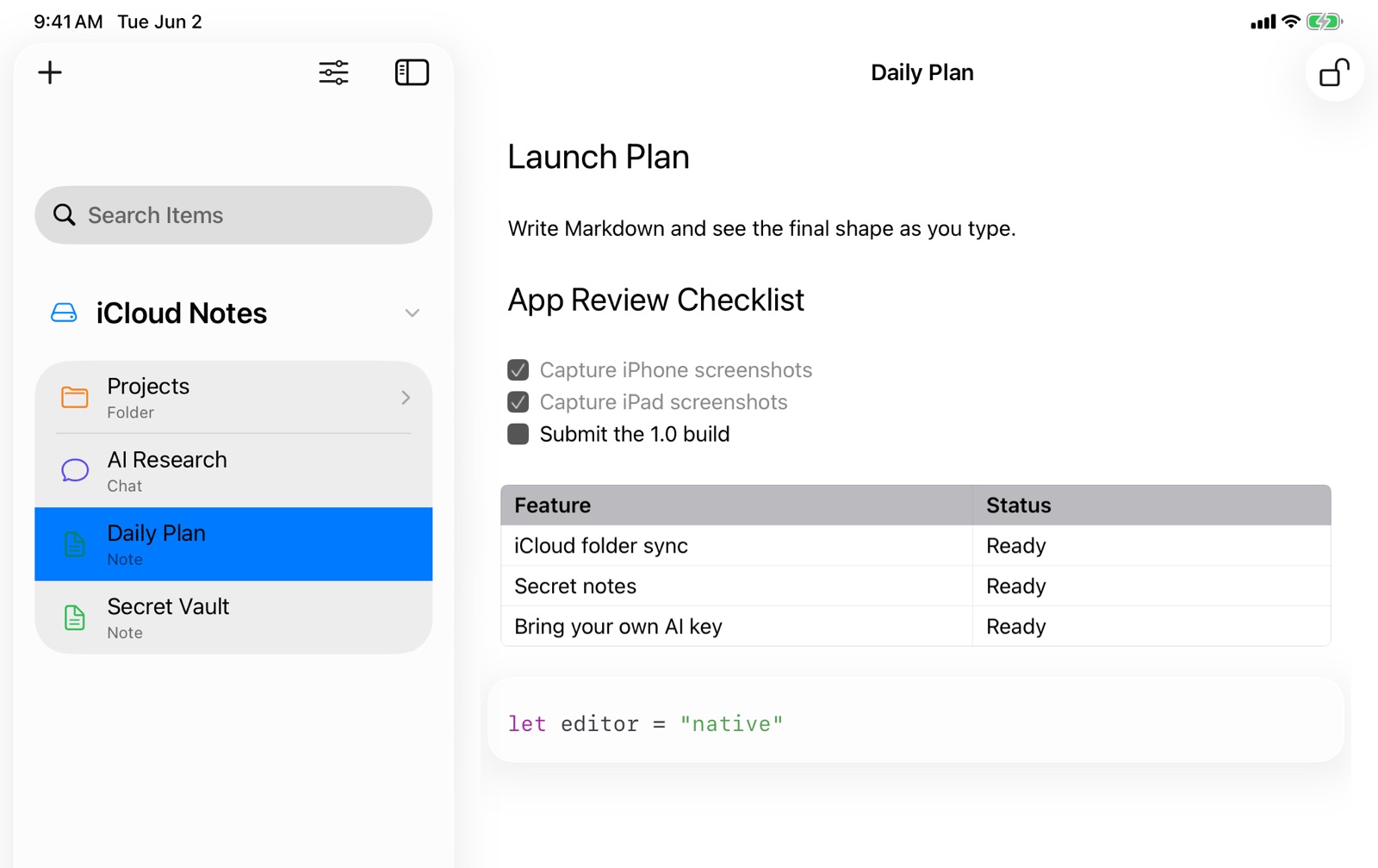
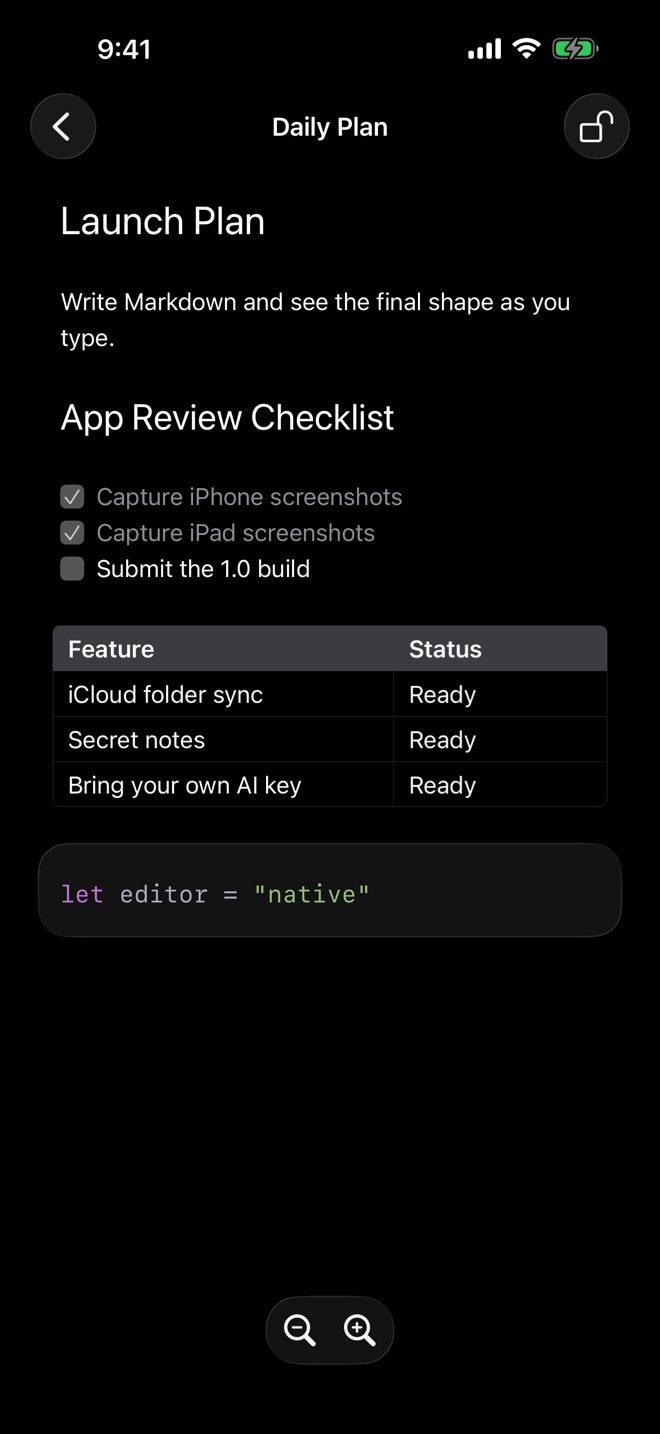
NotePlus for iPhone and iPad opens the same Markdown files from your cloud folder. Write, check off tasks, plan on your boards and unlock secret notes with Face ID, in the same themes as on your Mac.
Hub
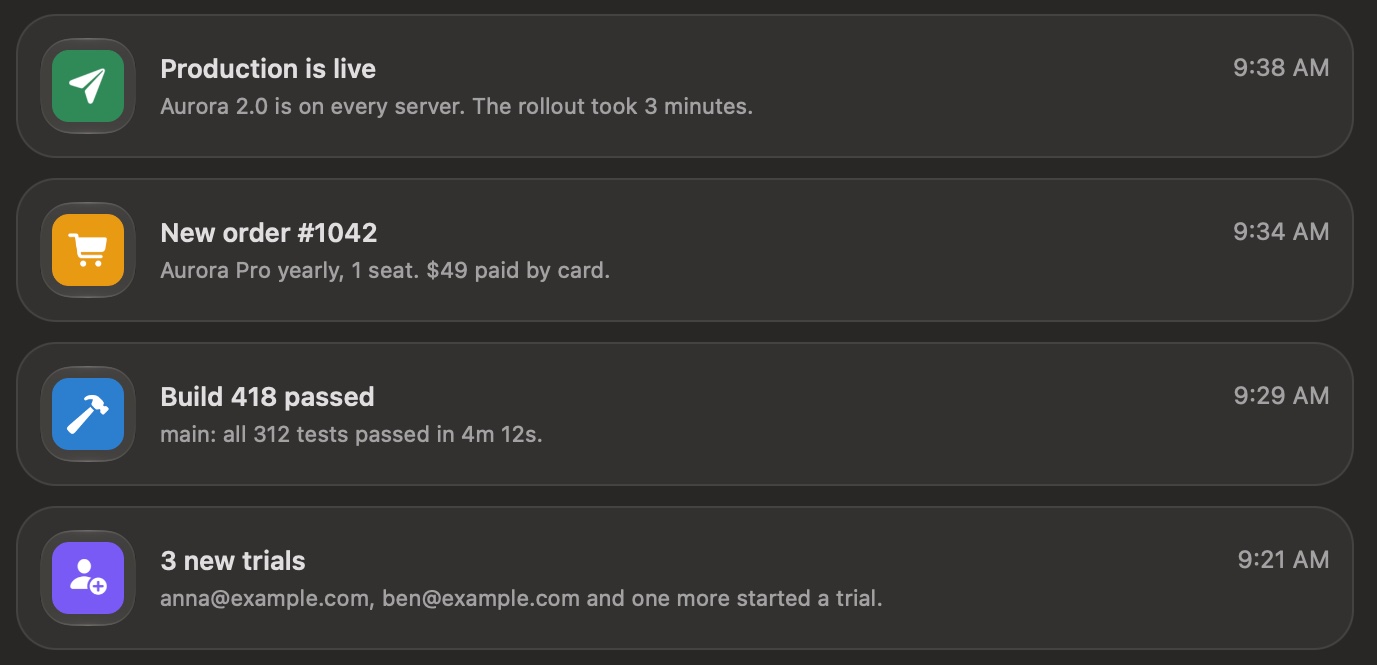
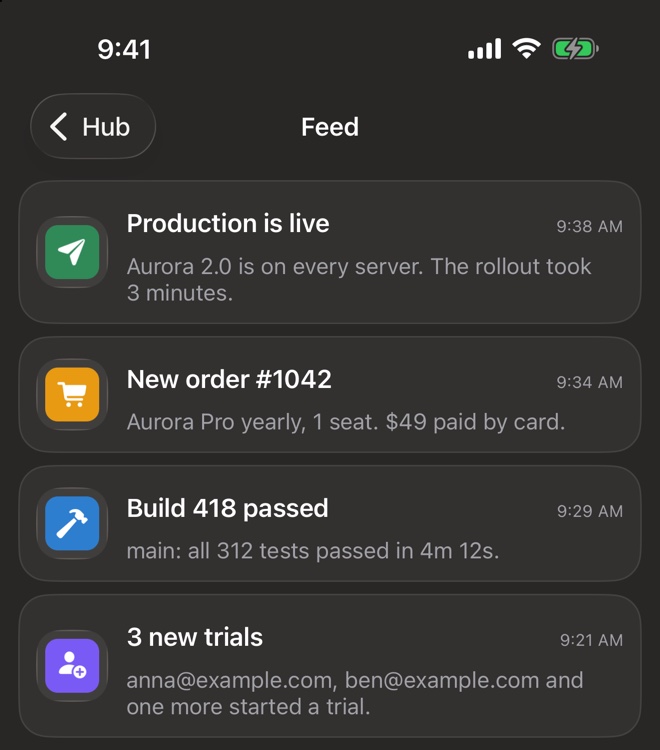
Like incoming webhooks in Slack. Create a hook, then send it text from a script, a CI job or any service. It arrives in NotePlus Hub, with a notification on your Mac and your iPhone.
curl -X POST \
  --data 'The build completed.' \
  https://noteplus.com/v1/hooks/<your-hook>
Hub is part of a NotePlus license.
Made by the TablePlus team
Free to download. Your notes stay yours.
macOS 12 or lateriOS 15 or laterWindows 10 or laterRelease notes
